
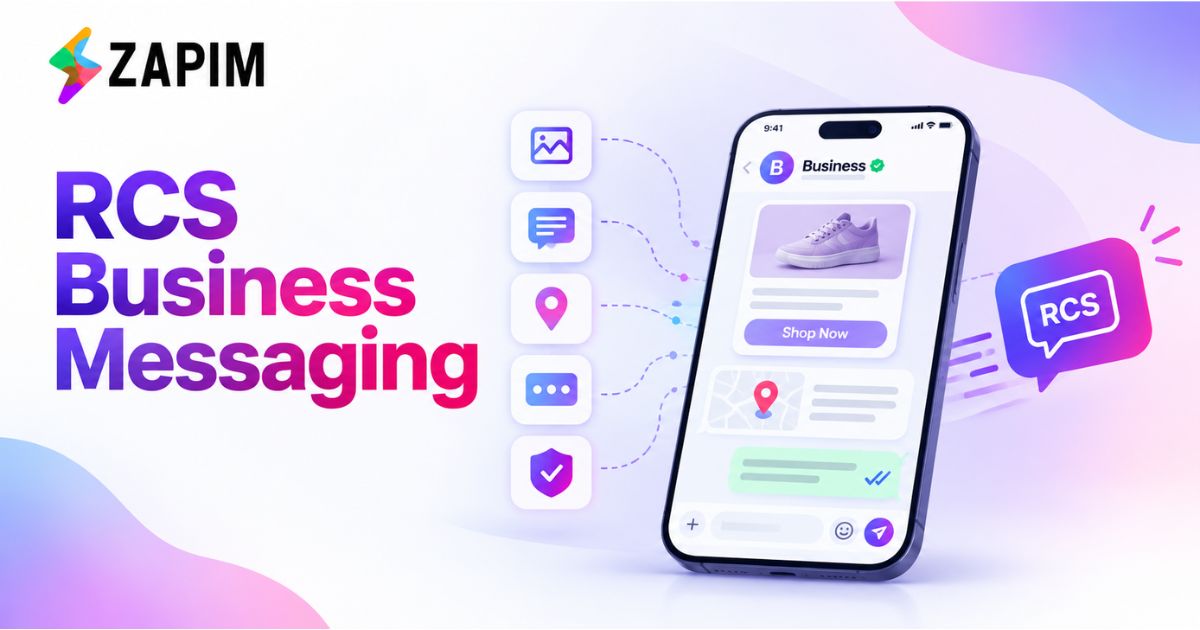
A Comprehensive Guide to RCS Business Messaging Protocols, Verified Profiles, and Rich Media Workflows
Digital communication has changed the way companies communicate with customers. Consumers expect quick responses, personalisation, and customer service on their mobile devices. Although SMS messages are effective, their own format restrictions can make it challenging to engage customers.
RCS Business Messaging offers a more interactive alternative by bringing rich media, branded business profiles, and conversational features into supported native messaging applications. Businesses can use it to share product recommendations, deliver order updates, promote services, and simplify customer interactions without requiring customers to install a separate messaging app.
This guide explores how RCS Business Messaging works, its technical protocols, verified business profiles, rich media workflows, practical use cases, and implementation best practices.
What Is RCS Business Messaging?
RCS is an abbreviation for Rich Communication Services. It provides advanced communication capabilities on top of SMS and MMS.
RCS Business Messaging lets businesses communicate with customers using branded messages, images, videos, interactive buttons, rich cards, and suggested replies, depending on device and platform support.
For instance, an online shop can suggest products, include a picture and a short description, and add a button to connect to its website. The delivery company can offer delivery details and contact support.
Key features include:
- Verified business profiles: Help customers identify approved business senders.
- Rich media: Support compatible images, videos, and other visual content.
- Interactive buttons: Provide convenient actions such as opening a website or calling a business.
- Suggested replies: Let customers respond using predefined options.
- Delivery and read events: Provide additional messaging insights where supported.
- Two-way conversations: Allow businesses to respond to customer questions and requests.
These capabilities help businesses create more informative and convenient mobile messaging experiences.
How RCS Business Messaging Protocols Work
Businesses can plan reliable communication workflows by understanding the technical foundation of RCS Business Messaging.
The messaging ecosystem usually includes business systems, messaging platforms, RCS agents, service infrastructure, and compatible customer devices.
RCS Business Messaging Agents
RCS agent is the endpoint of business communications. It lets businesses send messages and interact with customers through a messaging app.
Typically, companies collaborate with a messaging partner that provides the agent, supplies brand data, and handles the required integrations.
The agent can handle promotions, appointment reminders, shipping updates, and more.
APIs and Webhooks
APIs link business applications to the messaging infrastructure. Webhooks enable systems to receive incoming messages and events.
For example, an e-commerce company can link its order management application to an RCS platform. Whenever an order is shipped out, a message with relevant information is sent automatically.
A typical workflow follows these steps:
- A business application generates an event.
- The messaging platform prepares the appropriate message.
- The RCS API processes the request.
- The customer's supported messaging application displays the message.
- The customer replies, and the system returns supported status events to the business system through configured integrations.
Google's RCS for Business documentation describes this API-based messaging process and the role of webhooks in handling customer responses.
Device Compatibility and SMS Fallback
Availability of RCS is subject to device support, messaging app support, network settings, and regional availability.
The organisation should ensure recipients can access the features it wants to use.
The fallback strategy should be thoroughly tested to avoid duplicate message delivery.
Verified Business Profiles: Building Customer Trust
Trust is critical for customers who receive promotional messages, notifications, or links from the company.
Verified profiles let a company establish its presence in supported messaging apps by displaying its company name, logo, description, and verification status.
Benefits of Verified Profiles
Improved brand recognition: Consistent branding helps customers identify the business sending a message.
Greater confidence: Verification provides an additional signal that the sender's identity has been reviewed through the applicable process. It does not guarantee that every message or link is risk-free.
Consistent communication: A recognisable profile helps maintain a unified brand experience across marketing, customer service, and transactional messaging.
How to Prepare for Verification
Businesses should generally prepare official business information, branding materials, website content, messaging scenarios, and any applicable compliance documents.
The exact approval process depends on the platform, provider, and market. Businesses should confirm current requirements before planning their launch.
Rich Media Workflows in RCS Business Messaging
One of RCS Business Messaging's biggest advantages is its ability to combine text, visuals, and interactive elements into a single communication experience.
Rich Cards
Rich cards combine media, text, and suggested actions in a structured format.
A retail enterprise may showcase a product image, its name, a brief description, and a button to view the item online. Cards might be utilised by service providers to convey the information of an appointment or an explanation of the services offered.
Carousels
The carousel is a feature that displays several rich cards on a horizontally scrollable page if it’s supported by the platform.
For example, a travel agency can share holiday deals, while an e-commerce site can offer items from various categories.
Add short descriptions, relevant images, and clear calls to action so clients can choose without getting lost.
Suggested Replies and Actions
Suggested replies let clients choose from the prepared answers.
Suggested actions let users open a link, call support, or view a location.
A company providing services can provide answers like “Schedule Appointment,” “See Services Offered,” and “Contact Customer Support.”
Multimedia Content
Images and videos can explain a product better, show features, and convey information more effectively than text.
Media, however, should have a clear goal. Rich messaging should be optimised for mobile viewing, and it is important to test how rich messages will look when viewed on supported devices and applications.
RCS Business Messaging vs SMS
Both channels are useful, but they have different capabilities.
|
Feature |
SMS |
RCS Business Messaging |
|
Content |
Primarily plain text |
Rich media and interactive content |
|
Branding |
Depends on sender configuration |
Branded profiles where supported |
|
Interactive elements |
Limited native options |
Suggested replies and actions |
|
Product displays |
Usually text and links |
Rich cards and carousels |
|
Engagement insights |
Depends on provider |
Additional events where supported |
|
Reach |
Broad mobile compatibility |
Depends on device and network support |
|
Fallback |
Not applicable |
SMS fallback can be configured |
RCS Business Messaging is especially useful when visual content and interactive actions enhance the customer journey. SMS is still relevant for mass communications and simple alerts.
However, you can mix them to provide richer experiences while keeping communication reliable, and that's what both channels do.
Using both channels strategically can help businesses balance richer experiences with reliable communication.
Also Read: RCS Business Messaging Use Cases: 10 Ways Brands Can Use RCS in 2026
Practical Use Cases of RCS Business Messaging
E-Commerce and Retail
Retailers can inform clients about special product recommendations, promotions, cart reminders, and order notifications. Rich cards are used to explore products with supported messaging services.
Banking and Financial Services
Financial institutions can alert customers to services offered, new app updates, and customer service. Sensitive transaction processes need to be handled securely.
Travel and Hospitality
Airlines, hotels, and travel agents may notify clients about booking, itinerary updates, and check-in notifications. Interactive actions provide easy access to travel information.
Healthcare and Appointment Services
Clinics and service providers may notify clients about appointments, confirmation requests, and scheduling information, in compliance with privacy rules.
Logistics and Delivery
A delivery business can inform clients of shipping information, delivery timeframe, and customer support.
Best Practices for Implementing RCS Business Messaging
To get the most value from RCS Business Messaging, businesses should focus on customer needs, technical reliability, and measurable outcomes.
1. Define clear objectives. Determine whether your goal is to improve engagement, simplify support, increase conversions, or deliver more useful notifications.
2. Personalise responsibly. Use relevant customer information to make messages more helpful while respecting privacy and consent requirements.
3. Keep messages concise. Use clear language, relevant images, and straightforward calls to action.
4. Test device compatibility. Check supported features and confirm that fallback messages work correctly.
5. Measure performance. Monitor delivery rates, read rates where available, button interactions, click-through rates, conversions, and customer service outcomes.
6. Follow messaging regulations. Respect customer preferences, obtain required permissions, provide appropriate opt-out options, and protect personal information.
7. Prevent duplicate messages. Confirm delivery status and implement appropriate retry and fallback logic before sending alternative messages. Google's technical guidance specifically recommends careful handling of delivery receipts and fallback attempts.
The Future of RCS Business Messaging
As compatible apps and devices increasingly deploy the RCS protocol, new possibilities emerge for brands to offer conversation-led mobile experiences.
This could overcome the current problem of relying on text messaging for notifications by providing interactive digital communications. However, it succeeds only if it is available, implemented, relevant, and trusted by the customer.
Businesses that combine RCS Business Messaging with clear communication strategies and reliable technical integrations can create more convenient experiences while supporting their marketing and customer service goals.
Why Choose Zapim for RCS Business Messaging?
Choosing the right messaging partner is essential for implementing an effective RCS Business Messaging strategy. We help businesses explore modern messaging solutions that support customer engagement, personalised communication, and streamlined messaging workflows.
Key reasons to consider Zapim include:
- Enhanced customer engagement: Use rich media, interactive buttons, and suggested replies to create more engaging messaging experiences.
- Personalised communication: Deliver relevant promotional messages, order updates, appointment reminders, and customer notifications.
- Streamlined workflows: Integrate messaging with business systems to automate communication and manage customer interactions more efficiently.
- Branded messaging experiences: Make business communication more recognisable through branded profiles where supported.
- Flexible communication strategies: Combine RCS Business Messaging with SMS fallback where available to support customers across compatible and incompatible devices.
- Customer-focused approach: Develop messaging workflows that prioritise clarity, relevance, privacy, and customer preferences.
Conclusion
RCS Business Messaging is transforming business communication through rich media, verified business profiles, interactive buttons, and automated messaging workflows. From retail promotions and order updates to appointment reminders and customer support, it helps businesses create more engaging and convenient customer experiences.
With proper API integration, device compatibility testing, and SMS fallback, businesses can improve communication reliability and customer engagement. We can help businesses explore modern messaging solutions that align with their communication goals and customer needs.
To learn more about RCS Business Messaging and explore suitable messaging solutions for your business, visit the Zapim and discover how interactive messaging can support your customer communication strategy.
Frequently Asked Questions
-
What is RCS Business Messaging?
RCS Business Messaging lets businesses communicate with customers using branded messages, rich media, interactive buttons, and conversational features in supported messaging apps.
-
How is RCS Business Messaging different from SMS?
SMS primarily supports plain text, while RCS can provide images, videos, rich cards, suggested actions, and, where supported, a verified business identity.
-
What is a verified RCS business profile?
A verified profile associates a messaging agent with an approved business identity. It helps customers recognise the sender through available branding and verification indicators.
-
Can RCS Business Messaging include images and videos?
Yes. Supported implementations can include images, videos, rich cards, and carousels, subject to platform and device capabilities.
-
Does RCS Business Messaging replace SMS?
No. The channels can complement each other. RCS provides richer interactions, while SMS offers broad compatibility and can serve as a fallback when configured appropriately.
-
How can a business get started with RCS Business Messaging?
Businesses should identify their use cases, select a suitable messaging provider, prepare branding and verification information, integrate relevant systems, test device compatibility, and confirm compliance requirements before launching.