
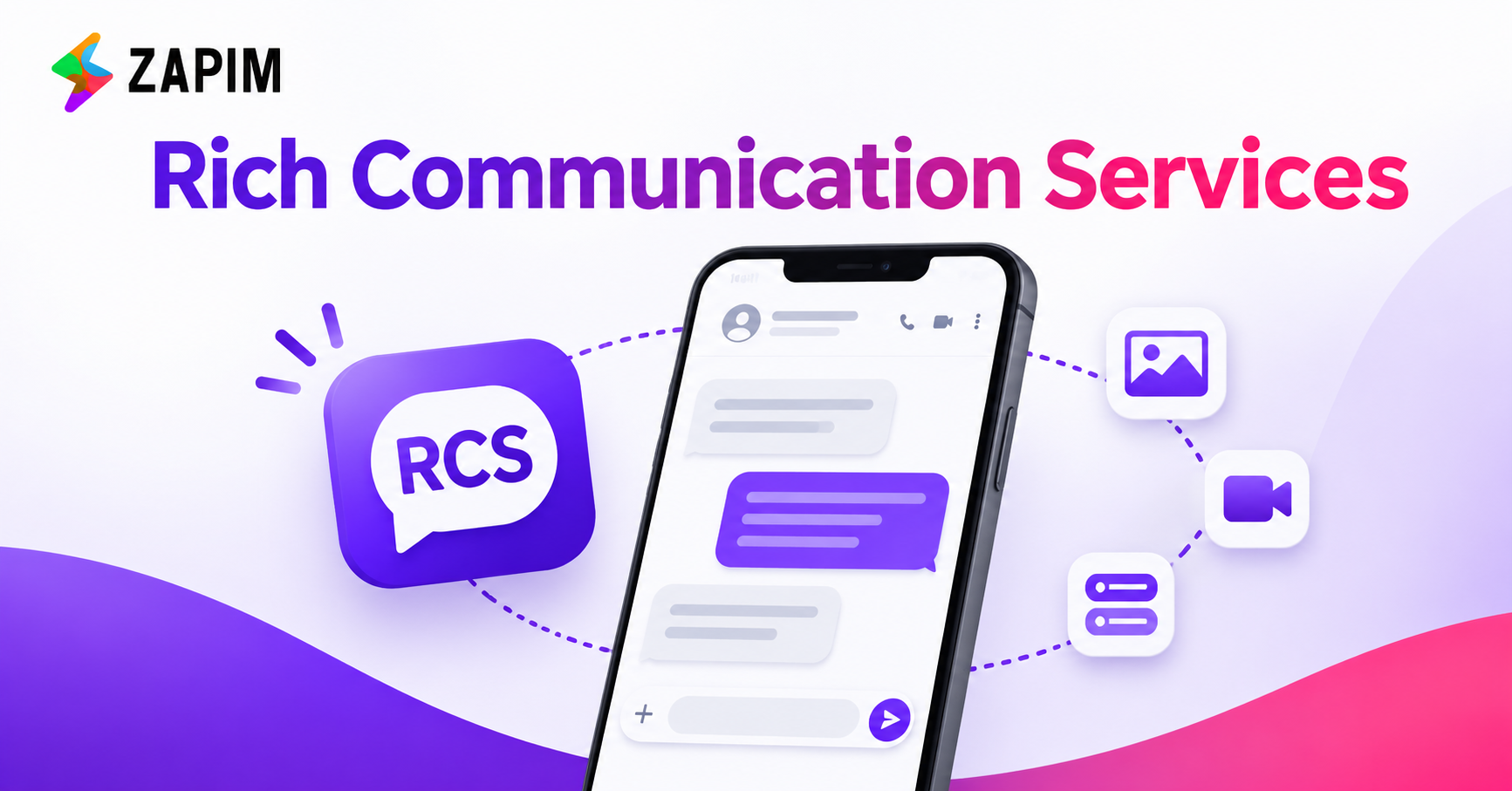
Core Features of Rich Communication Services: Read Receipts, Typing Indicators, and High-Quality Media
People want quick answers from businesses. They also want clear updates about their orders, payments, and bookings.
SMS helps businesses send short messages. But it has few features. It cannot show photos, videos, or buttons the way RCS can.
Rich Communication Services gives businesses more ways to reach customers. It adds useful tools to supported mobile messaging apps. A business can send a photo, share a video, or add a button to a message.
For example, a shop can send product photos. A hotel can share booking details. A delivery company can send order updates.
These features make messages easier to use. Let us look at the main features of RCS.
Quick Answer
Rich Communication Services (RCS) makes mobile messages more useful. It lets people share photos, videos, and buttons. It also offers read receipts and typing indicators. These features help businesses share updates and talk to customers. When used with CPaaS Services and an AI Chatbot, RCS can make customer service easier.
Key Takeaways
- RCS offers more features than regular SMS.
- Read receipts show when a message is opened.
- Typing signs show when someone is writing a reply.
- Photos and videos help share details.
- Buttons let customers take quick action.
- CPaaS Services help manage business messages.
- An AI Chatbot can answer common questions.
What Is Rich Communication Services?
Rich Communication Services is a modern way to send mobile messages. It adds more features to basic SMS.
With RCS, users can send text, photos, and videos. They can also see read receipts and typing indicators. Some RCS services support buttons and business profiles.
For example, a clothing shop can send a photo of a new dress. It can add a button that says “View Collection”. The customer can tap the button to see more products.
RCS needs mobile data or Wi-Fi. It may not work on every phone or network. Support depends on the phone, mobile operator, messaging app, and user settings.
1. Read Receipts: Know When a Message Is Opened
A read receipt shows when someone opens a message. It helps the sender know that the message has been seen.
Regular SMS usually doesn't offer read receipts. A business may know that a message was sent or delivered. But it may not know if the customer opened it.
RCS can show this extra message status when the service and user settings support it.
How Do Read Receipts Work?
A customer receives an RCS message. When the customer opens it, the messaging app may send a read status to the sender.
For example, an online shop sends an order update. A read receipt may show that the customer has opened the update.
Benefits of Read Receipts
- Check message activity: Businesses can see when a supported message is opened.
- Plan follow-ups: Teams can decide when another message may be useful.
- Review campaigns: Read data can help teams study message activity.
- Improve updates: Businesses can learn how customers receive their messages.
A read receipt does not mean that a customer has understood the message. It also doesn't mean the customer will take action.
2. Typing Indicators: See When Someone Is Writing
Typing indicators show when someone is writing a reply. They often appear as moving dots on the chat screen.
This small sign makes a chat feel more active. It also tells the other person that a reply may be on the way.
For example, a customer asks a travel company about a booking. A support agent starts typing a reply. The customer may see a typing sign on the screen.
Businesses can use this feature for:
- Customer support.
- Booking questions.
- Product enquiries.
- Delivery updates.
- Appointment details.
Typing indicators can make chats feel more natural. However, they don't guarantee an instant reply. Their use also depends on the phone, app, network, and user settings.
3. High-Quality Media: Send Photos and Videos
RCS lets businesses share photos and videos through supported chats. This is useful when a picture can explain something better than text.
For example, a shop can send a clear photo of a product. A travel company can share a video of a hotel. A restaurant can show pictures of its menu.
How Businesses Can Use Photos and Videos
- Retail: Share product photos and new items.
- Travel: Show hotels and holiday spots.
- Real estate: Share pictures of homes and projects.
- Restaurants: Show dishes and special offers.
- Education: Share course details and event posters.
Benefits of Rich Media
Photos and videos help customers see what a business offers. They can also make a message easier to understand.
Businesses should send clear and useful media. They should keep videos short. They should also avoid sending too many files in one message.
Also Read: What Is RCS Chat? Complete Guide to RCS Messaging
4. Rich Cards and Buttons
RCS can support rich cards. A card can show a photo, a short text, and a button.
For example, a hotel can send a room photo. It can add a short description and a “Book Now” button. The customer can tap the button to visit the booking page.
Businesses can use buttons to let customers:
- View a product.
- Visit a website.
- Call the business.
- Track an order.
- Confirm an appointment.
- View an offer.
Some RCS services also offer suggested replies. For example, an appointment message may show two options: “Confirm” and “Reschedule”.
Customers can tap an option instead of typing a reply. This makes simple tasks faster. Businesses should use clear button names and link them to the right page.
5. Business Profiles: Help Customers Know the Sender
Customers may receive messages from numbers they do not know. They may want to check who sent the message before opening it.
RCS can support branded business profiles. These profiles may show a business name and logo. Some platforms may also show other brand details.
The exact features depend on the platform and its checks.
Benefits of Business Profiles
- Customers can recognise the business.
- Messages can look more professional.
- The sender is easier to identify.
- The brand can use the same look across messages.
A business profile does not remove all safety risks. Businesses must follow the correct checks. They should never ask customers to share passwords or PINs through messages.
RCS vs SMS: What Is the Difference?
Both RCS and SMS help businesses send messages. But they do not offer the same features.
|
Feature |
SMS |
RCS |
|
Text messages |
Yes |
Yes |
|
Read receipts |
Usually not available |
Available on supported services |
|
Typing signs |
No |
Supported |
|
Photos and videos |
Limited support |
Rich media support |
|
Buttons |
No standard support |
Supported |
|
Business profiles |
Limited |
Supported on some platforms |
|
Internet |
Usually not needed |
Mobile data or wi-fi |
SMS works on many mobile phones. RCS offers more tools, but it needs support from the phone, network, and app. Businesses may use SMS when RCS is not available.
How CPaaS Services Help Businesses Use RCS
CPaaS Services means Communications Platform as a Service. These services help businesses add tools like messaging and voice calls to their apps and systems.
A CPaaS platform may support SMS, RCS, WhatsApp, and voice calls. The available tools depend on the service provider.
Businesses can use CPaaS Services to:
- Send order updates.
- Manage customer messages.
- Connect messages with customer records.
- Run message campaigns.
- Check message reports.
- Link messaging tools with business systems.
For example, an online shop can link its order system to a messaging platform. When an order status changes, the system can send the customer an update. This saves time and reduces manual work.
How an AI Chatbot Helps with RCS
An AI Chatbot can answer common customer questions. It can also guide people through simple tasks.
When used with RCS, a chatbot may share text, links, and buttons. This can help customers find the details they need.
For example, a customer asks about a product. An AI Chatbot can share product details and show useful options.
Businesses can use chatbots to:
- Answer common questions.
- Share product details.
- Help customers track orders.
- Give appointment details.
- Guide customers through simple steps.
- Send complex questions to a support team.
A chatbot should not handle every issue alone. Customers should be able to speak with a real person when they need more help.
How Indian Businesses Can Use RCS
Businesses in India can use RCS to share updates, offers, and service details. The best use depends on their customers and the support available on their devices.
Here are some examples:
- Retail and online shops: Send product details, offers, and delivery updates.
- Banks: Send suitable account and service updates.
- Hospitals and clinics: Share appointment reminders and clinic details.
- Travel companies: Send booking details and trip updates.
- Schools and colleges: Share course details and event notices.
Before starting an RCS campaign, businesses should check if their customers can receive RCS messages. They must also follow India’s rules for customer consent, privacy, and business messages.
How Zapim Supports Business Messaging
Businesses need simple tools to stay in touch with customers. Zapim offers communication solutions for business messaging and customer engagement.
Its CPaaS offering helps businesses connect communication tools with their systems. RCS can add photos, videos, business details, and buttons where supported.
Before choosing a messaging platform, businesses should check a few things:
- Which messaging channels does it support?
- Can it connect with existing business systems?
- Does it offer message reports?
- Can it help with message automation?
- Does it offer a backup option when RCS is not available?
Visit Zapim to learn more about its CPaaS offering and business communication solutions.
Final Thoughts
Rich Communication Services gives businesses more ways to talk to customers. It supports read receipts, typing indicators, photos, videos, cards, and buttons.
These tools can make messages easier to understand. They can also help customers take simple actions.
CPaaS Services help businesses manage messages and connect them with other systems. An AI Chatbot can answer common questions and guide customers.
For better Enterprise Messaging, businesses should choose tools that meet customer needs. They should check device support and protect customer data. They should also follow business messaging rules.
RCS can work with SMS to help businesses reach more customers.
Frequently Asked Questions
1. What is Rich Communication Services?
Rich Communication Services is a modern mobile messaging standard. It supports features such as read receipts, typing indicators, photos, videos, and buttons on compatible devices.
2. How do read receipts help businesses?
Read receipts show when a customer opens a supported message. Businesses can use this information to check message activity and plan follow-ups.
3. What are typing indicators?
Typing indicators show when someone is writing a reply. They help make a supported chat feel more active.
4. Can businesses send photos and videos through RCS?
Yes. RCS supports photos and videos on compatible services. Businesses can use them to show products, offers, and services.
5. How do CPaaS Services help businesses?
CPaaS Services help businesses connect messaging tools with their systems. They can support message automation, customer updates, and communication management.
6. Can an AI Chatbot work with RCS?
Yes. An AI Chatbot can answer common questions through a compatible RCS service. It can also guide customers to a support agent when needed.