
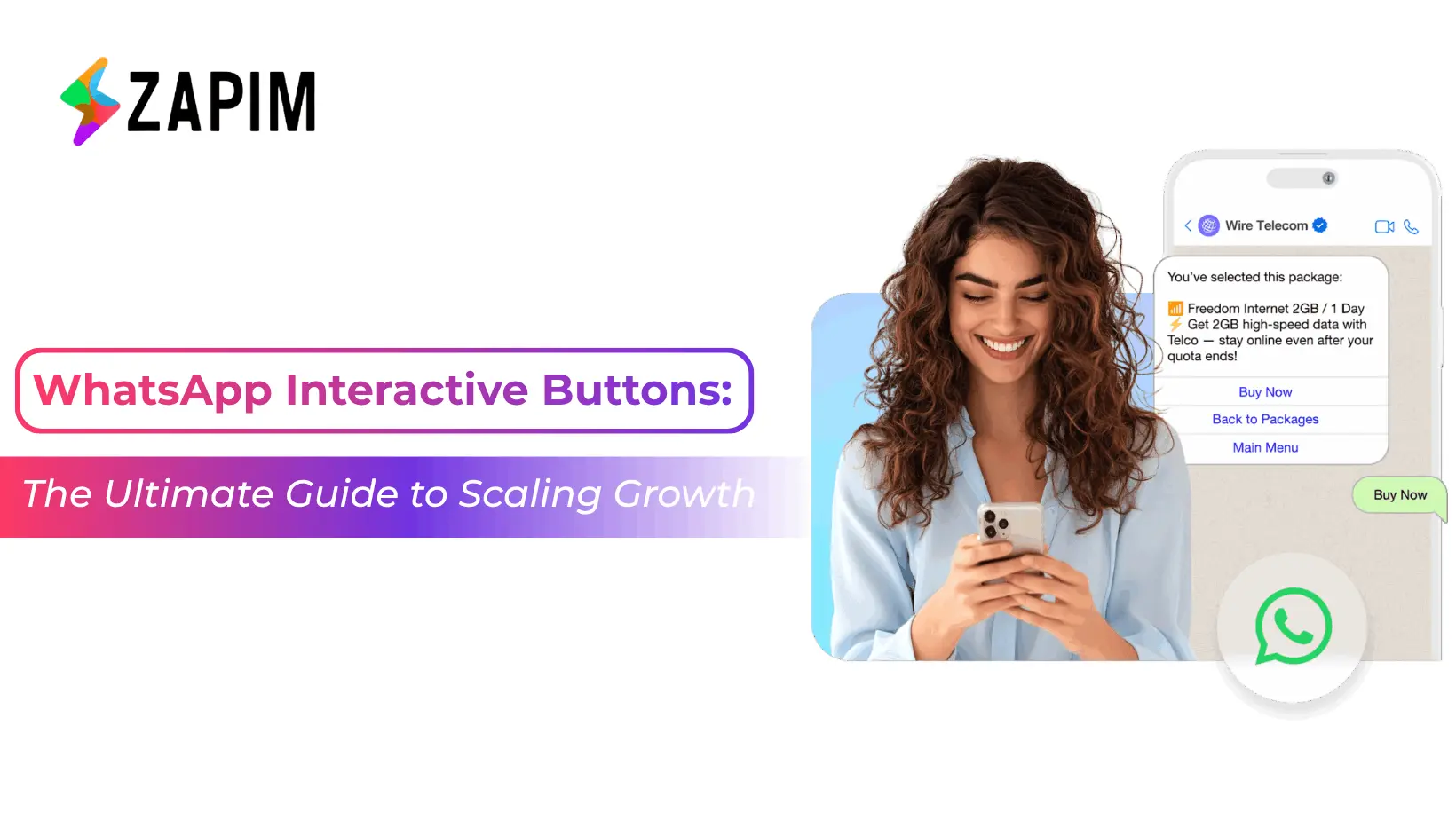
WhatsApp Interactive Buttons: Driving Engagement via the Business API
Communication isn't a monologue; it’s an exchange. In a digital landscape cluttered with ignored notifications, the traditional text-only message is rapidly becoming obsolete. To cut through the noise, businesses are shifting toward a more tactile, responsive interface. By implementing whatsapp interactive buttons, you stop talking to your customers and start navigating with them.
For brands looking to scale, a standard WhatsApp Business Account often falls short of these advanced needs. True automation requires the WhatsApp Business API, a robust framework that transforms a simple chat window into a functional application interface. This transition allows for structured, logic-based conversations that drive measurable results and foster long-term customer loyalty through frictionless experiences.
The Anatomy of WhatsApp Interactive Buttons
In the world of conversational commerce, friction is the enemy of conversion. Static messages require a user to manually type out a response, a step that often leads to drop-offs, especially in mobile environments where speed is king. Interactive elements remove this hurdle entirely. Within a professional WhatsApp Business API Solution, there are three primary pillars of interactivity that every brand must master:
A. Quick Reply Buttons
These are pre-defined options (up to three) that appear as sleek chips at the bottom of a message. They are the workhorses of automated support.
- The UX Advantage: Instead of typing "Yes, I want to confirm," a user simply taps.
- Strategic Use: Perfect for FAQ resolution, simple "Yes/No" confirmations, and lead qualification where time-to-response is critical.
- Data Integrity: Because the inputs are standardised, your backend receives clean data rather than unpredictable text strings.
B. Call-to-Action (CTA) Buttons
These drive the user toward an external action outside the chat environment, bridging the gap between social messaging and your core business assets.
- Visit Website: Directs users to a specific landing page, product gallery, or payment portal. These can be "static" (the same link for everyone) or "dynamic" (a personalised link per user).
- Call Phone Number: Triggers the phone’s native dialer for immediate voice support, crucial for high-stakes industries like Financial Services or Healthcare.
C. Native Voting & Polls
Introduced to allow real-time feedback within the interface, polls are the newest addition to the WhatsApp interactive buttons family.
- Zero-Party Data: They allow brands to understand customer preferences without sending users to intrusive external survey links.
- Engagement Hooks: Excellent for community building and for "gamifying" the brand experience in chat.
Strategic Blueprints Across Eight Core Industries
The power of whatsapp interactive buttons isn't found in the button itself, but in the journey it initiates. Different sectors leverage these tools to solve specific operational bottlenecks. Here is a breakdown of how the WhatsApp Business API transforms these vertical-specific challenges into opportunities:
Financial Services & Consulting
In finance, security and speed are paramount. Interactive buttons allow for:
- Transaction Verification: "Did you just spend $500?" with Quick Replies for [Yes] and [No, Report Fraud].
- Document Collection: CTA buttons that link directly to secure upload portals.
- Consulting Leads: "Book Discovery Call" CTAs that sync with a consultant's calendar in real-time.
Retail, E-Commerce & Consumer Goods
For product-based businesses, interactivity reduces the "Where is my order?" (WISMO) support burden:
- Order Tracking: A "Track Package" CTA that opens a live map.
- COD Verification: A Quick Reply asking "Confirm Order?" to reduce Return-to-Origin (RTO) rates.
- Loyalty Engagement: Polls asking "Which colour should we launch next?" to involve the customer in product development.
Healthcare & Wellness
Interactivity in healthcare saves lives and administrative hours:
- Appointment Management: One-tap Quick Replies to [Confirm], [Reschedule], or [Cancel].
- Telehealth Integration: A CTA button labelled "Join Consultation" that launches a video call directly.
Travel, Hospitality & Logistics
These industries rely on real-time updates and document accessibility:
- Seamless Check-in: A CTA button that triggers a PDF download of a boarding pass or hotel voucher.
- Delivery Logistics: "Attempt Redelivery" buttons that allow a customer to talk to a driver or pick a new time slot instantly.
Automobiles
Buying and maintaining a car is a high-touch journey:
- Service Scheduling: Interactive reminders with a "Book Service" button.
- Test Drive Leads: A CTA that opens a map to the nearest dealership.
Engineering the Connection: Integrating WhatsApp Business API
To move beyond the limitations of a basic WhatsApp Business Account, developers must leverage structured message templates. Integration requires a systematic approach to ensure messages are both compliant and functional. Unlike the standard app, the WhatsApp Business API Solution requires a middle-layer to manage the logic of these buttons.
The Technical Workflow for Developers
- Template Registration: You must define the body text and the specific WhatsApp interactive buttons (Quick Reply or CTA) via a provider's portal. These are then sent to Meta for a brief approval process.
- Webhook Orchestration: When a user clicks a button, it doesn't just sit there. A specific JSON payload is sent to your webhook. This payload contains the "Button ID" and the "User ID."
- Dynamic Response Logic: Your backend interprets this data to trigger the next logic step. For example, if a user clicks "Check Balance," your API fetches the data from your database and sends a new message back to the user within milliseconds.
|
Component |
Technical Limit |
Best Practice |
|
Quick Reply Count |
Max 3 Buttons |
Use for distinct, simple choices. |
|
Button Text |
25 Characters |
Keep it action-oriented (e.g., "Pay Now"). |
|
URL Type |
Static or Dynamic |
Use Dynamic for personalised tracking. |
|
Media Headers |
Image, Video, or PDF |
Pair buttons with a visual to increase CTR. |
Driving ROI: Why WhatsApp Interactive Buttons Outperform Text
Why should a brand invest time in configuring whatsapp interactive buttons? The data across global markets in 2026 reveals a clear trend in user behavior. Text-heavy messages are often perceived as "work" by the consumer, whereas buttons are perceived as "assistance."
The Conversion Gap
Standard text messages with raw links often trigger "spam" instincts. However, interactive templates see a 40-60% increase in click-through rates (CTR). This is because buttons are part of the verified WhatsApp UI, providing a "native app" feel that builds higher consumer confidence.
Operational Efficiency
By using Quick Replies to triage common issues, brands can automate up to 70% of initial customer queries. This "Self-Service" model allows your human agents to focus on complex, high-value problem-solving rather than repetitive data entry. When you implement a WhatsApp Business API Solution, you aren't just sending messages; you are deploying a 24/7 digital workforce.
Optimising for the Modern User (AEO, GEO & SEO)
As search engines evolve into "Answer Engines" (AEO) and "Generative Engines" (GEO), the structure of your conversational content is vital. The AI models that power these engines look for clarity, structure, and directness—the exact qualities found in interactive messaging.
The Psychology of "Micro-Copy"
- Clarity over Cleverness: Buttons have strict character limits. Do not try to be poetic.
- Avoid: "It would be great if you could see our store."
- Use: "View Local Store"
- Impact: AI-driven search and assistant tools can better categorise your business actions when your CTAs are explicit.
Visual Hierarchy & Cognitive Load
Avoid clutter. A message with three buttons, a heavy video header, and 1000 characters of text will cause cognitive overload and "decision paralysis." The best-performing interactive messages follow a "Single Purpose" rule: one clear headline, one supporting sentence, and one to three whatsapp interactive buttons that lead to the same goal.
The Global Fallback Protocol
A critical part of the WhatsApp Business API Solution is the fallback logic. If a user is on an extremely outdated version of the app or a low-end device, the buttons might not render. Your integration should always include a "text-fallback" (e.g., "Reply 1 for Yes, Reply 2 for No") to ensure the communication chain remains unbroken regardless of the user's hardware.
The Zapim Advantage: Strategic WhatsApp Business API Solution
While the infrastructure for messaging is standardised by Meta, the intelligence and ease of deployment behind the flow is where Zapim excels. We provide the strategic layer that turns raw API capabilities into a scalable business asset.
- Unified Workflow Builder: You don't need a team of senior developers to create complex, button-driven customer journeys. Our visual interface allows you to drag-and-drop interactive elements into a cohesive flow.
- Omnichannel Synergy: A click on a WhatsApp interactive button shouldn't exist in a vacuum. Zapim ensures that when a customer clicks "Interested" on WhatsApp, your CRM is updated instantly, and your email marketing tool stops sending "Follow-up" reminders.
- Advanced Analytics & Heatmapping: Move beyond simple "Delivered" and "Read" statuses. Zapim tracks the performance of specific buttons across your eight key industries. We show you exactly which CTAs drive revenue and which Quick Replies cause friction, enabling rapid A/B testing and performance tuning.
The transition from a standard WhatsApp Business Account to a full-scale API integration represents a fundamental shift in how a brand respects its customers' time. By leveraging WhatsApp interactive buttons, you provide a path of least resistance, a "digital fast lane" for every interaction.
Whether you are a logistics provider confirming a delivery, a financial institution verifying a transaction, or a retail brand launching a new collection, interactivity is the heartbeat of modern communication. It’s no longer about just "being on WhatsApp"; it’s about what you enable your customers to do once they are there. Don’t just send a message, start a journey. The future is interactive, and the future is a single tap away.
Frequently Asked Questions
Q1 Can I include both a URL button and a Quick Reply in the same message?
No, Meta requires you to choose one specific type of WhatsApp interactive buttons per message template to ensure a focused user journey.
Q2 Is there a limit to how many buttons I can use in a single chat?
While a single message is limited to three Quick Replies, you can chain messages or use "List Menus" to offer up to ten options at once.
Q3 Do interactive buttons cost more than plain text messages?
No, pricing is category-based; using whatsapp interactive buttons adds no extra cost but significantly increases the ROI of every conversation sent.
Q4 What happens if a user tries to type a response instead of clicking a button?
A professional WhatsApp Business API Solution uses keyword sensing to interpret typed replies, ensuring the conversation continues smoothly even if buttons are ignored.
Q5 Can I edit the buttons after I have sent the message?
Delivered messages are static and cannot be changed, but you can update the template for future sends or use dynamic redirects for URL-based buttons.